Getting started with PlanExe
This guide shows new users how to launch the frontend_single_user UI with Docker using OpenRouter as the LLM provider. No local Python or pip setup is needed.
1. Prerequisites
Install Docker.
Create an account on OpenRouter and top up around 5 USD in credits (paid models works, the free models are unreliable). It cost around 0.1 USD to generate a plan, when using PlanExe's default settings.
2. Clone the repo
3. Configure secrets
Copy .env.docker-example to .env.
Add your OpenRouter key:
4. Start the single-user stack
Wait for http://localhost:7860 to become available.
Stop with Ctrl+C.
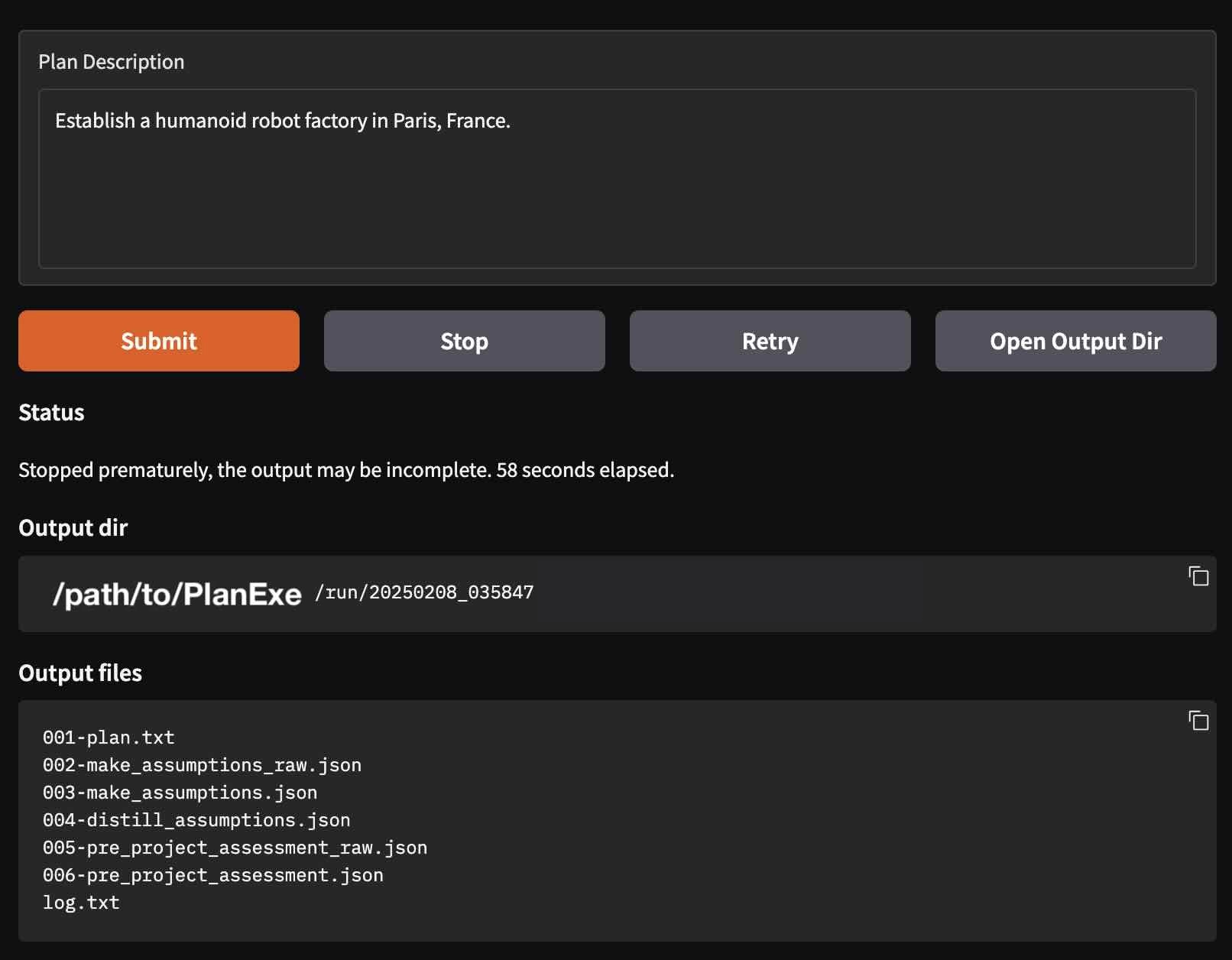
5. Use the UI
Open http://localhost:7860 in your browser.
You can now submit your prompt.
The generated plans are written to run/<timestamped-output-dir>.
Verification
- You can open the UI at http://localhost:7860.
- A plan run creates a new folder in
run/.
Troubleshooting and next steps
- For Docker tips, see docker.md.
- For OpenRouter-specific notes, see openrouter.md.
- If the UI fails to load or plans don’t start, check worker logs:
docker compose logs -f worker_plan. - Learn how to write better prompts: Prompt writing guide
Community
Need help? Join the PlanExe Discord.